
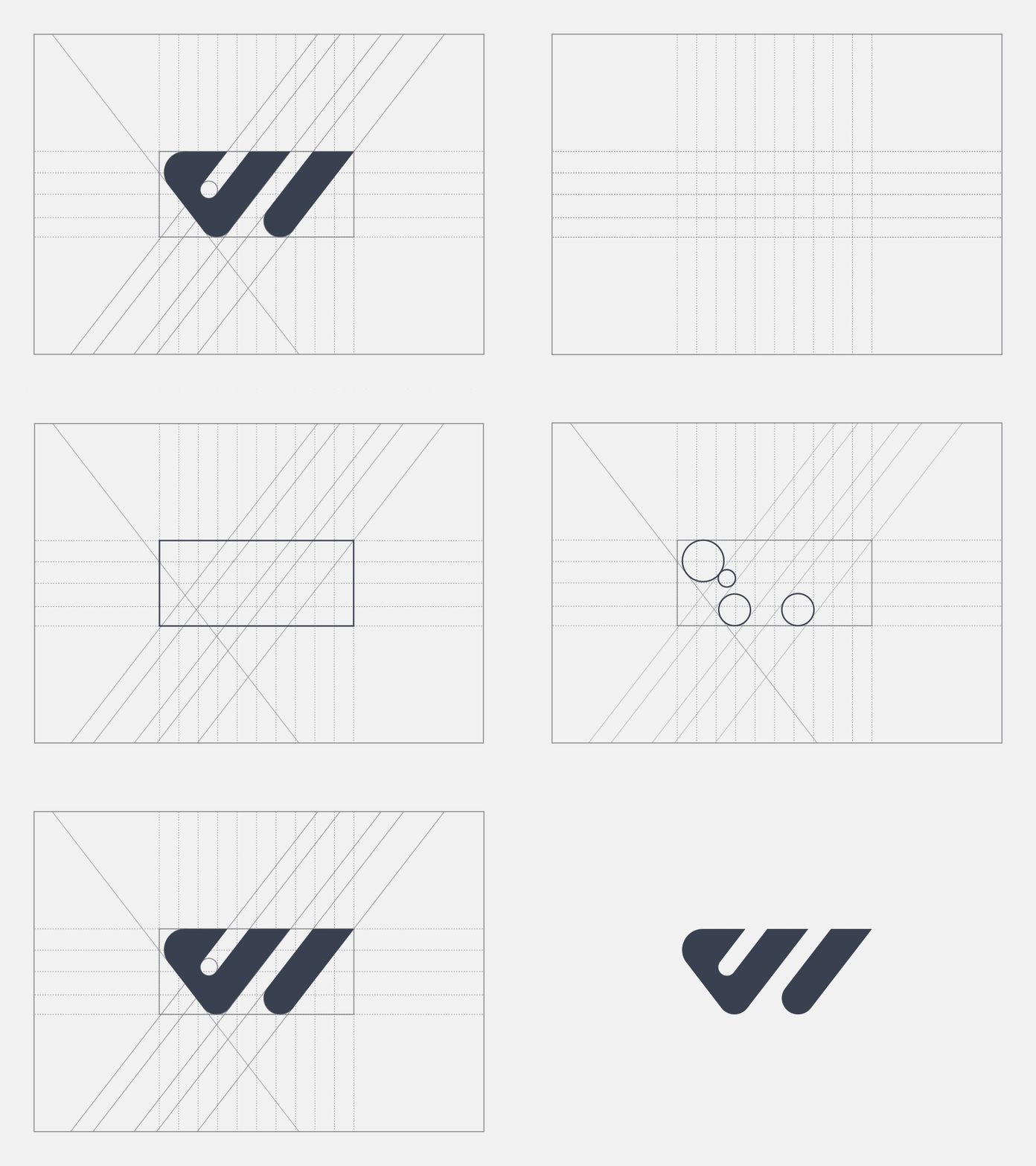
Foundation
- Base grids
- Structural grids
- Geometry Grids... and more
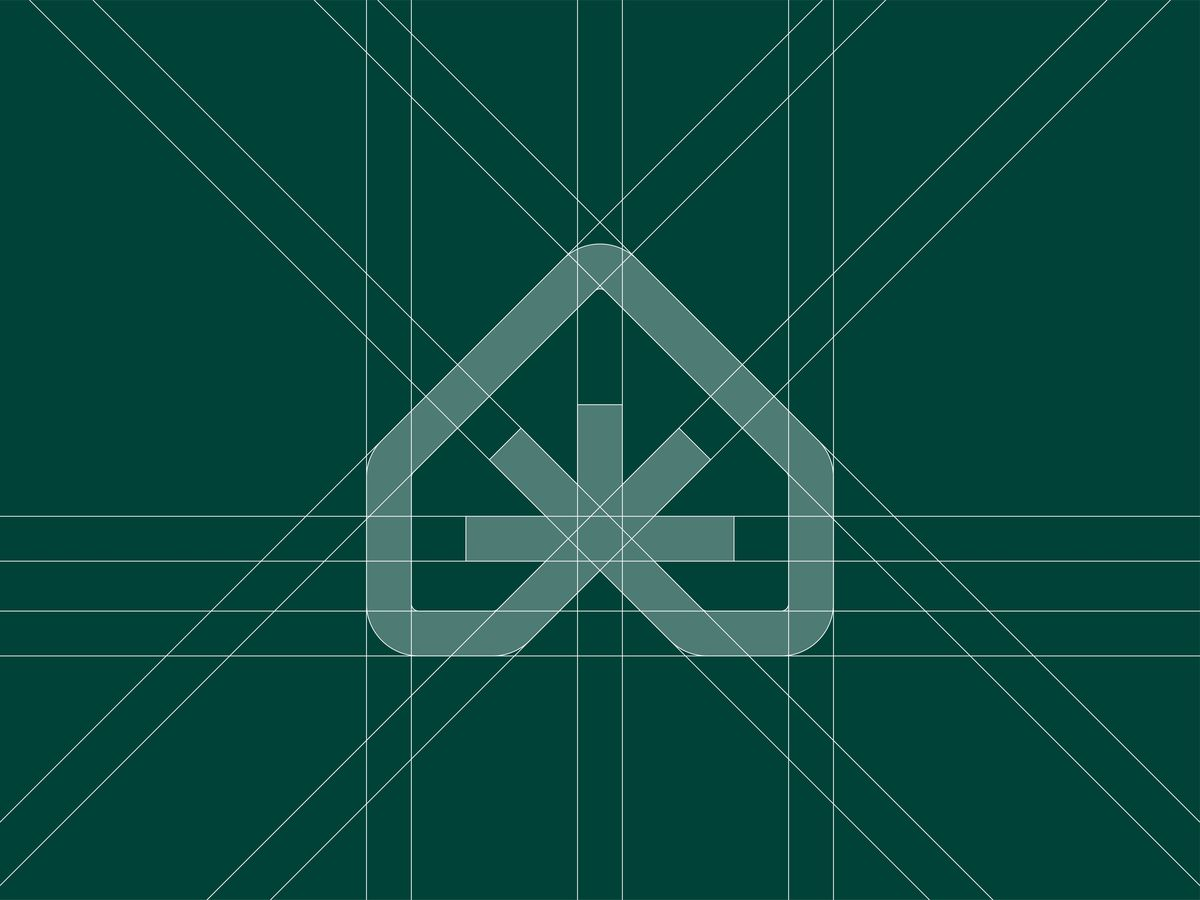
GridMe generates grids, clearspace, and color variations inside Illustrator in seconds. Your original paths stay untouched.
Start generating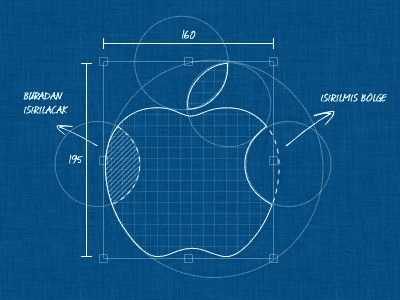

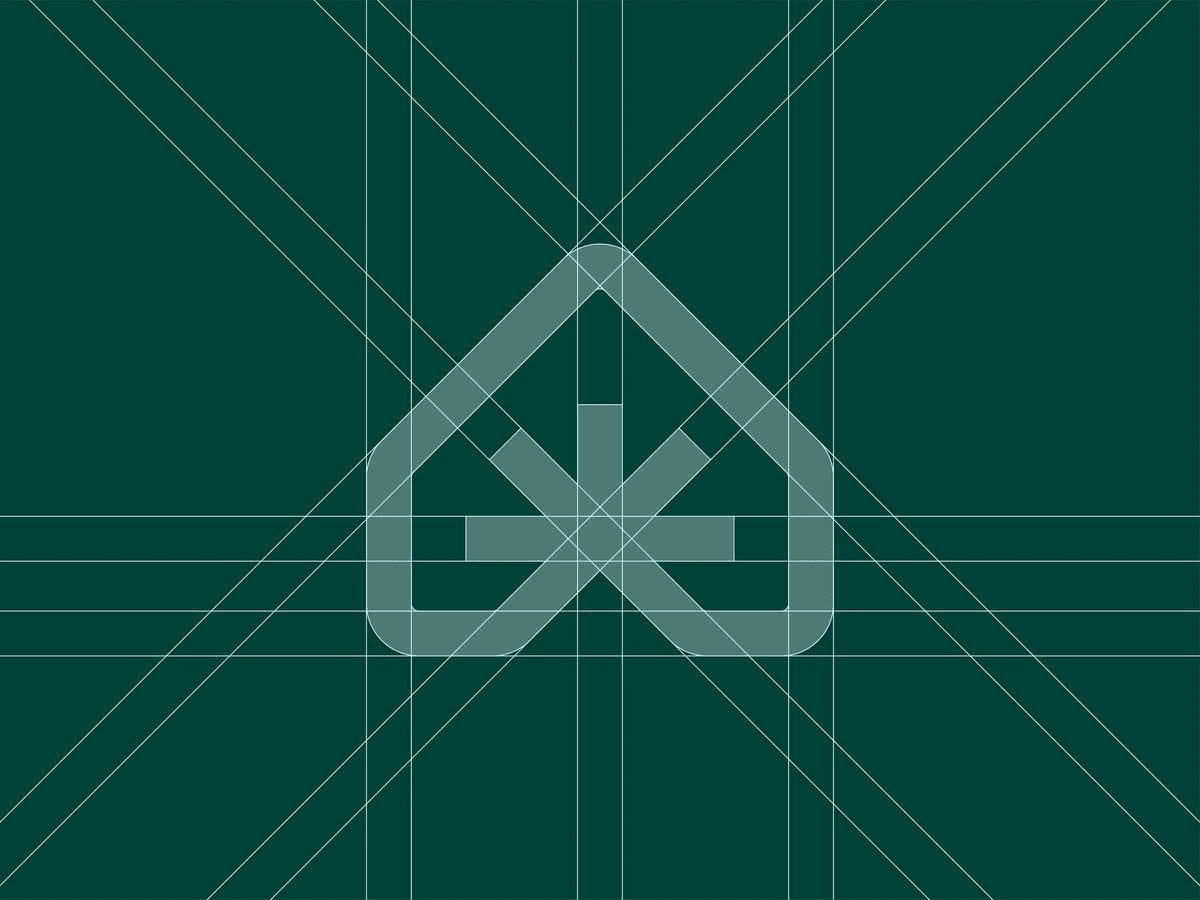


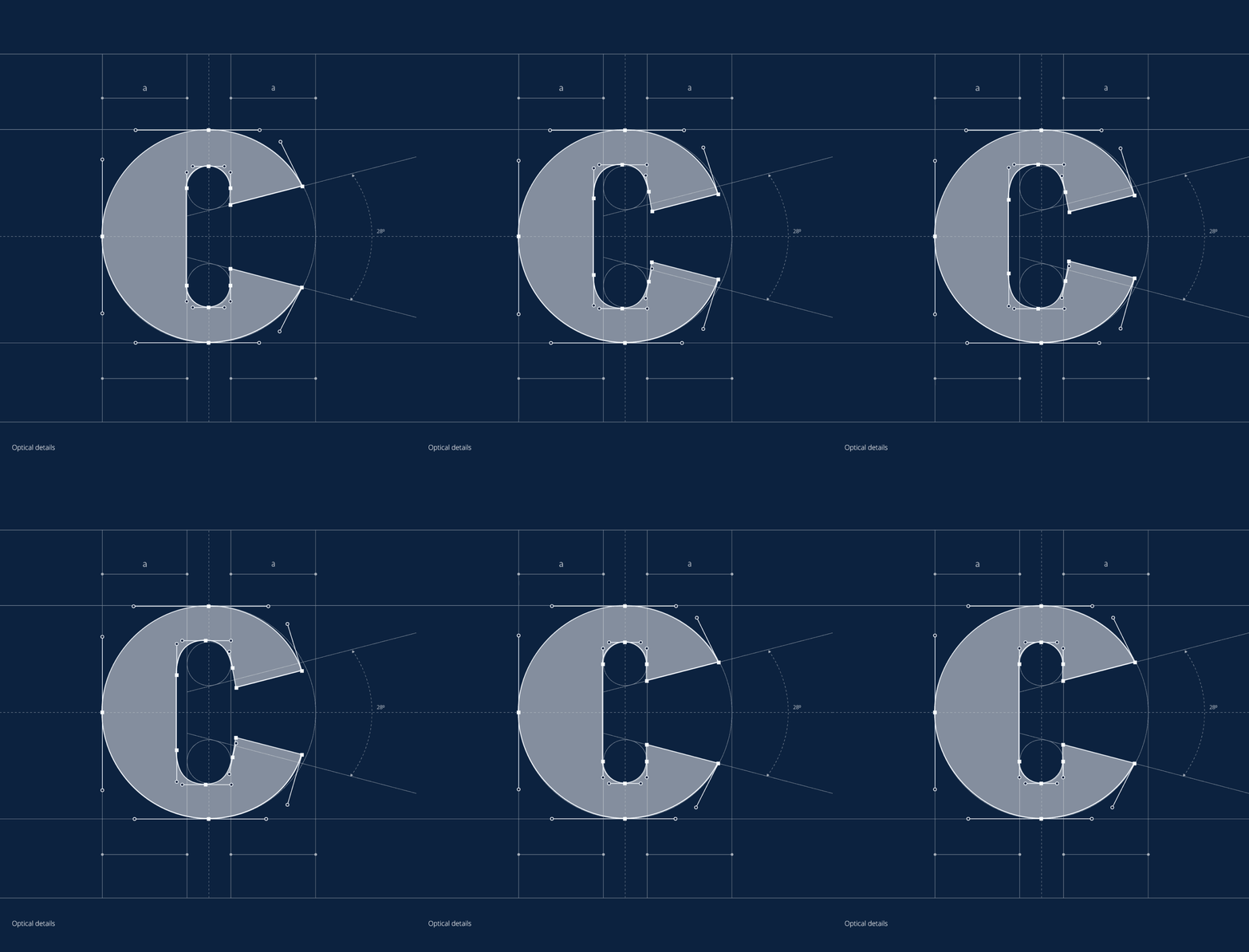

Install once, then generate grids and construction output on a locked layer your artwork never changes.
Head to the Download page and grab the GridMe .zxp file. One small file works on both Mac and Windows. That is all you need.
Download the free ZXP Installer app, drag your GridMe file into it, and click install. It puts everything in the right place so Illustrator can find it.
Close Illustrator and open it again fresh. Then go to Window, click Extensions, and click GridMe. The panel opens and stays docked on your side.
Click on your logo in Illustrator, choose what you want in the panel, and hit generate. Your grid appears on its own layer and your original logo stays untouched.
GridMe generates construction output on demand, on its own locked layer. Your editable paths stay as you left them.
Guides, diagonals, circle fits, clearspace, and rework when the logo or variant changes. Most teams feel it on every Guidelines deliverable-not just once.
Pick a stage, configure what you need, generate. Outputs sit beside your art on a locked layer. Update the logo? Run it again-in seconds.
From base grid through Present every output stays beside your art in one place.
Same full extension on either plan sold directly with no app-store markup. Transfer your seat when you switch machines. Prices exclude tax sales tax is added at checkout where applicable.
Try it, leave whenever you want.
Two months free, one payment.
Listed prices exclude applicable sales tax. Tax is calculated and shown before you pay when your jurisdiction requires it.
Keeping your art safe, what's free vs paid, Mac and PC support, and where to read more.
No. Output goes on separate locked layers—grids, construction lines, clearspace, all that. Your logo paths stay editable underneath; nothing gets baked into them.
Email if you want a hand getting set up, or check our pricing plans.
GridMe turned messy manual construction into something we deliver on every logo review. Clients actually see the rigor.
Jane Cooper
Los Angeles, CA
Clearspace and grids without duplicating paths—we finally stopped redrawing guides from scratch for every export.
Brooklyn Simmons
Chicago, IL
Fastest way we’ve found to keep Illustrator as the source of truth and still ship construction docs the team trusts.
Robert Fox
Austin, TX
GridMe is for the second group the ones who deliver construction grids without being asked, document clearspace because the brand deserves it, and already know what a three-point circle fit is. If that's not you yet it will be.